
So you’ve spent a fortune on a state-of-the-art smartphone and you’re not getting 100% out of it?
It doesn’t matter whether it’s a BlackBerry, a Samsung Galaxy, a Nexus or an iPhone: they’re all the perfect tool to help you, day to day, to grow and look after your network and to do some networking.
A few tips for getting the most out of them:
- Export all your contacts from your previous phone. If you don’t know how, look up the solution on Google. I had to move mine from the BlackBerry to the iPhone, and after a couple of steps I had my 3,000 contacts on the new one.
- If you have all your contacts in Outlook in vCard format, it’ll be easy too.
- Download a business card scanning app; there are free and paid ones. I have WorldCard Mobile, and it works brilliantly. It lets you save the original card, export the details or copy the signature details from an email and recognise them.
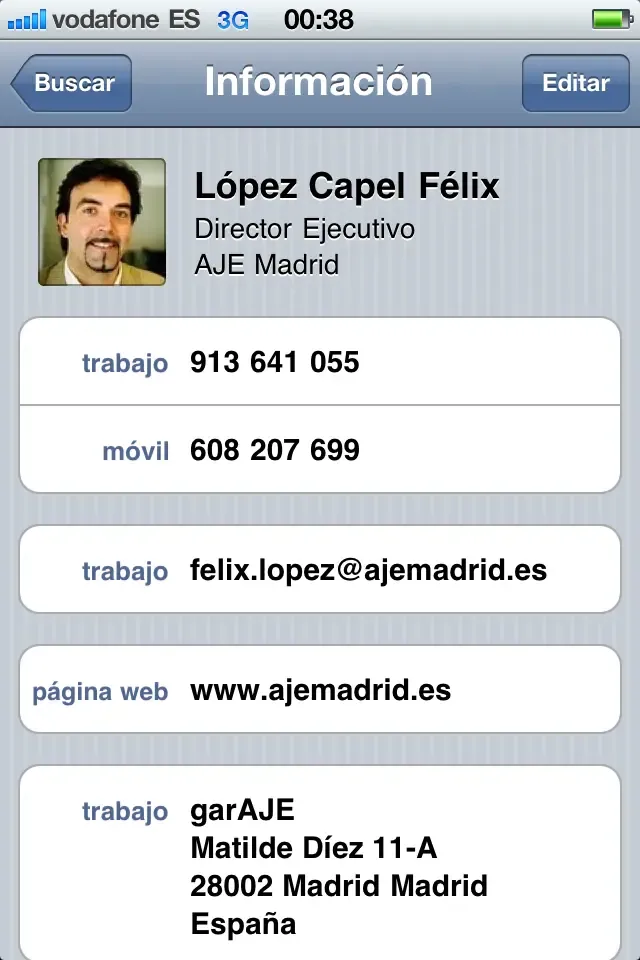 Add yourself to your contact list. It’s very useful when you run out of business cards, because you can send your virtual card to the contact you’re with.
-
As soon as someone calls you who isn’t on your list, add them as a new contact; next time you’ll answer them by name. Do the same with the emails you receive: if they’re not a contact, add them there and then.
-
If you can, add a photo to your contacts. Either take one on the spot or look for one online.
-
Every time you talk to one of your contacts and get new information, or some detail has changed, update it immediately in your contacts.
-
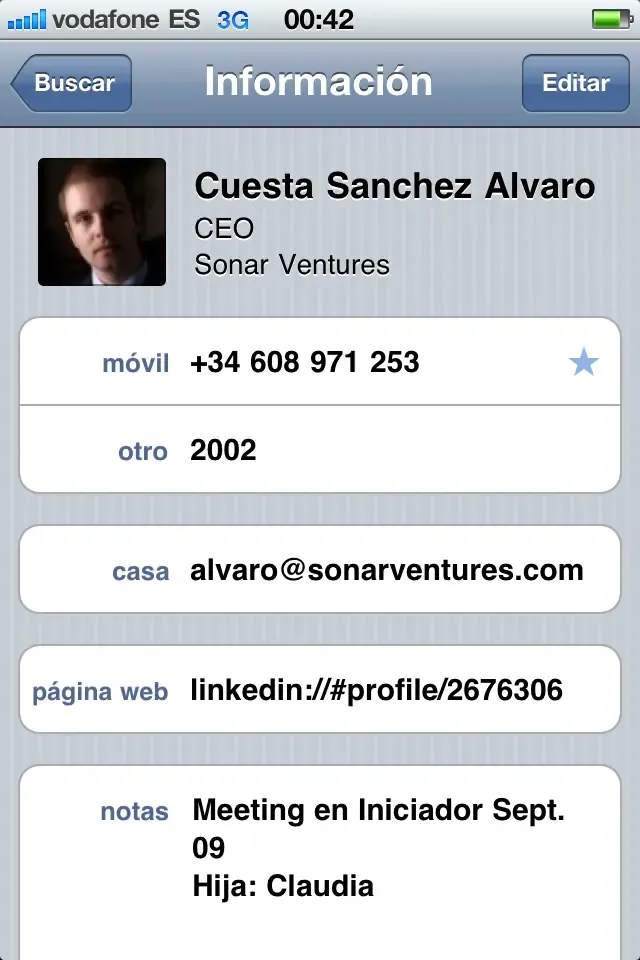
In this example we can see when I met Álvaro, at which event and what his daughter’s name is. (It all matters.)
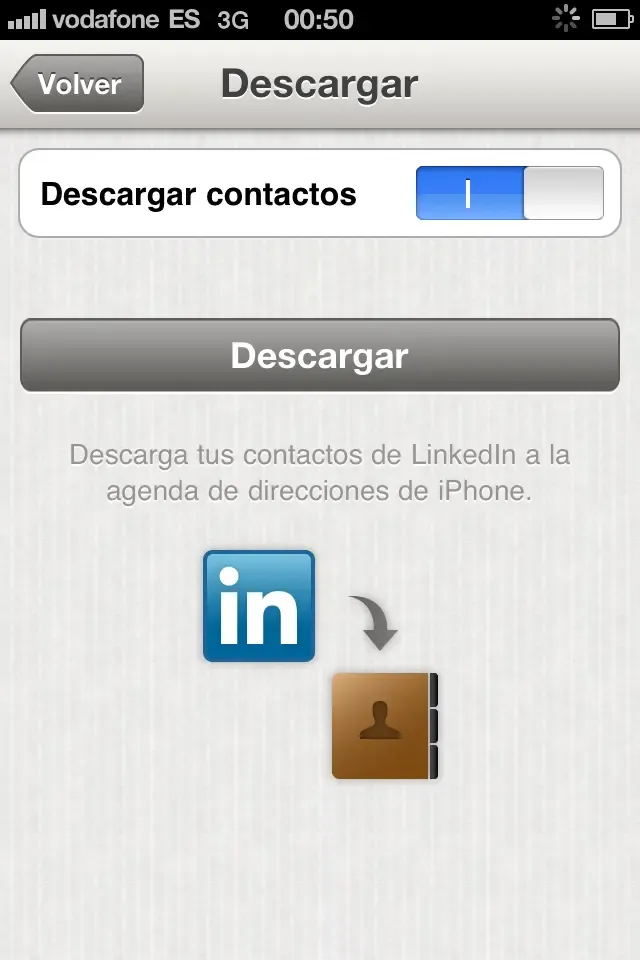
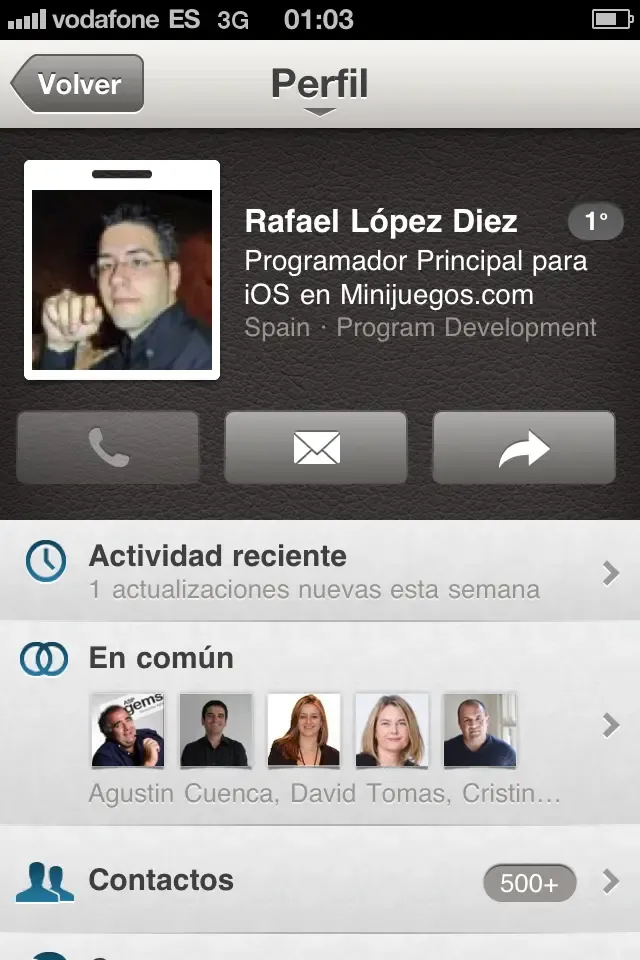
- If you’re on LinkedIn, what are you waiting for? Download the app, but above all transfer all your LinkedIn contacts to your phone’s contacts. The process will take a few minutes depending on how many contacts you have, but it’s worth it. You’ll have all their information and the direct link to their profile.
But the most fun, or rather the coolest thing for networking, is a QR code generator made by Miquel Camps, one of the organisers of BetaBeers and a machine for creating things. Here’s the link, and this is my business card in QR format. Try it, because it’s cool.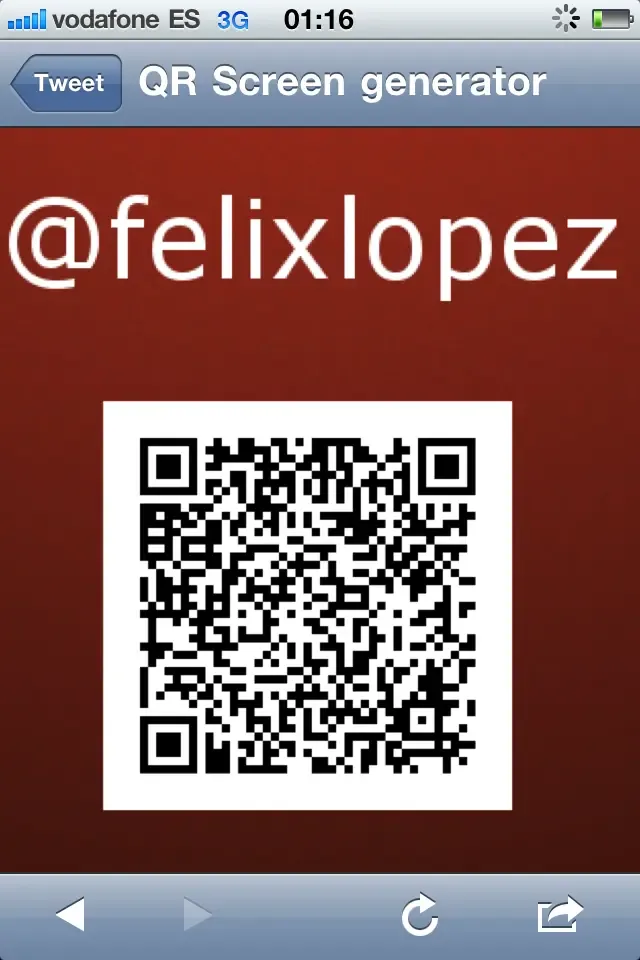
Happy networking!
Categories